
Why sudo is safer than su - Linux
10/04/2025
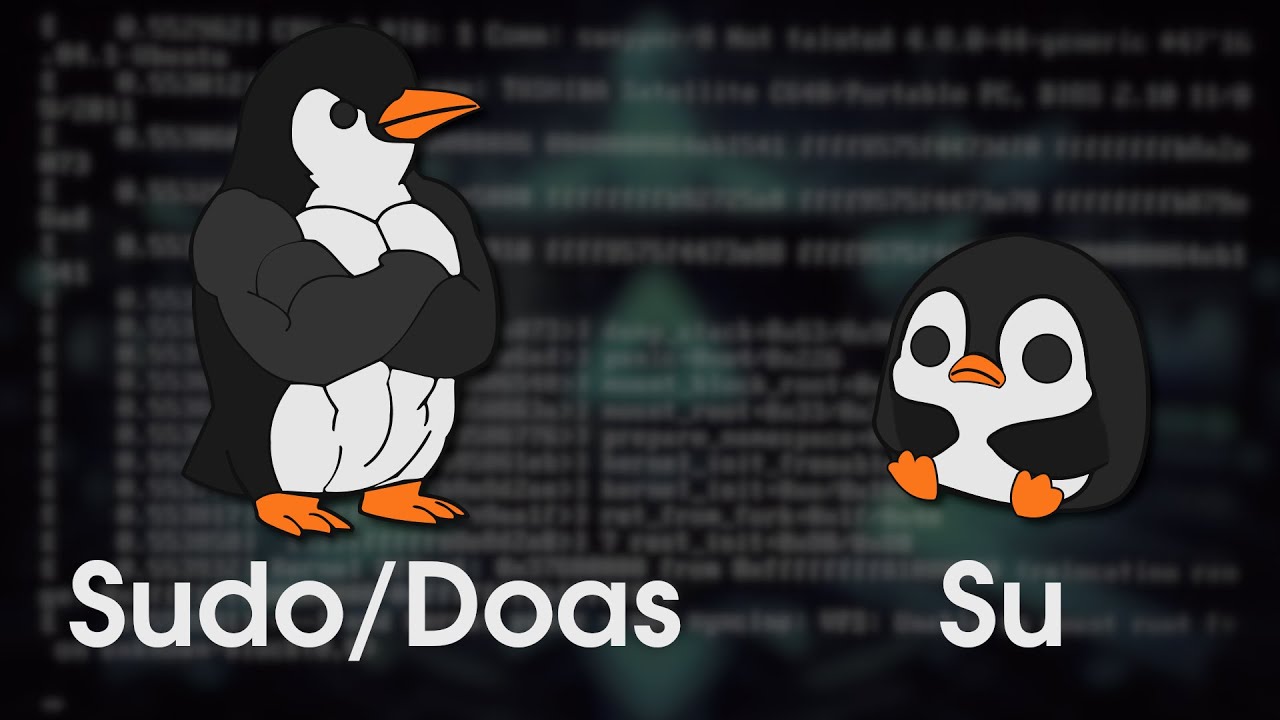
Hello everyone, how are you? I hope you are doing well. Today I am going to talk about security when executing programs as a superuser in Linux, specifically, the difference between using sudo and su. Although it might not seem like it, they are not interchangeable, and there are actually several benefits to using sudo instead of su. So without further ado, let’s get started.
Context
As I mentioned in the introduction, in Unix and Linux systems, privilege management is a fundamental aspect of system security and administration. Traditionally, the su (switch user) command has been the primary tool for changing users, including accessing the superuser (root) account.
However, tools like sudo and doas have gained popularity due to their advantages in terms of security, access control, and auditing. In this post, we will analyze in detail why sudo and doas are superior options to su from a technical and security perspective.
Fundamental Differences Between su, sudo, and doas
Before analyzing the advantages of sudo and doas, it is important to understand how each tool works:
su (substitute user or switch user):
- Allows you to switch to another user, including root, starting a new session with their permissions.
- Requires the password of the account you want to switch to.
- Provides no permission granularity; once inside the root session, you have all privileges without restrictions.
sudo (superuser do):
- Executes a single command with elevated privileges without needing to log in as root.
- Uses a configuration file (
/etc/sudoers) that allows defining access rules and restrictions for each user. - Can log executed commands for auditing and monitoring.
doas (dedicated OpenBSD application subexecutor):
- A simpler and lighter alternative to
sudo, developed in OpenBSD. - Works similarly to
sudo, but with simpler configuration and a smaller codebase, reducing the attack surface. - Uses the
/etc/doas.conffile to define execution permissions.
Disadvantages of su in Terms of Security
While su remains a functional tool, it presents several security issues that make its use discouraged in many modern environments:
Root Password Exposure
Using su requires users to know the root password. This implies that:
- If an attacker obtains access to the password, they will have total control of the system.
- There is no way to restrict which commands a user can execute once they have switched to root.
- In environments with multiple administrators, sharing the root password represents a severe security risk.
In contrast, sudo and doas allow delegating permissions without exposing the root password.
Unrestricted Root Session
When a user runs su -, they get an interactive shell with all root privileges. This means that any mistake or maliciously executed command can irreversibly damage the system.
On the other hand, sudo and doas allow executing only the necessary commands with elevated privileges, without needing to open a permanent root session.
Lack of Auditing and Control
su does not log the commands executed in a root session, which hinders auditing and the monitoring of administrative actions.
Instead:
sudokeeps detailed logs in/var/log/auth.log(or in/var/log/sudo.logdepending on the configuration).doasalso allows a certain level of auditing through system logs (/var/log/auth.log).
This event logging is crucial for security in multi-user environments.
Advantages of sudo Over su
Granular Permission Control
sudo allows defining which commands each user can execute without granting them full root access. This is managed through the /etc/sudoers file, where rules can be configured such as:
user1 ALL=(ALL) NOPASSWD: /usr/bin/systemctl restart apache2
This rule allows user1 to restart the Apache service without having to enter their password or obtain full system access.
User-Based Authentication
sudo authenticates users using their own credentials instead of the root password, reducing the possibility of compromising the superuser account.
Action Logging and Auditing
Every command executed with sudo is recorded in the system logs, allowing detailed tracking of who executed what action and when. This is key to detecting unauthorized access or operational errors.
Session Expiration and Time Management
sudo has authentication expiration mechanisms (timestamp_timeout in /etc/sudoers), which allow setting a time after which re-authentication is required, improving security.
Advantages of doas Over sudo
While sudo is a powerful tool, its configuration can be complex in some scenarios. This is where doas presents certain advantages:
Simplicity and Smaller Attack Surface
doas has a much smaller codebase and fewer dependencies than sudo, reducing the possibility of security vulnerabilities.
Minimalist Configuration
While /etc/sudoers can become complex, doas uses a much simpler configuration file.
Better OpenBSD Integration
doas is the default tool in OpenBSD and has been ported to other Linux distributions, offering a lightweight and efficient alternative.
sudo su
Finally, I’m sure the sudo su command comes to mind for all of us. As its own structure indicates, this command calls sudo to execute su, meaning it does everything without restrictions, making it insecure because it neither respects sudo settings nor generates logs.
The recommended approach, and what is typically done, is to disable the execution of su with the setting:
Cmnd_Alias BLOCK_SU = /bin/su, /usr/bin/su
%sudo ALL=(ALL) ALL, !BLOCK_SU
Preferably, you could also change the permissions of binaries like su, chmod, or chown so that even without sudo, the base user cannot execute them, providing a double layer of security. Again, you can do this with the commands you see on screen:
Even if you want to access it with a sysadmin account for example, you could configure a specific group to be able to execute it.
Alternatives to sudo su
Now, as an alternative to sudo su, you can use sudo -s, doas -s, or sudo -i depending on the situation. These provide an effective shell with elevated privileges while maintaining sudo configurations to prevent certain commands from being executed.
Conclusion
The use of su in modern systems presents multiple disadvantages in terms of security, access control, and auditing. sudo and doas are superior tools because:
- They do not require sharing the root password.
- They allow granting specific permissions instead of total access.
- They log actions for auditing and supervision.
- They offer additional control mechanisms such as session expiration.
If a robust and flexible system is required, sudo remains the best option in most environments. However, for those looking for a simpler and lighter solution, doas can be an excellent alternative, especially on systems that do not require complex permission configurations.
In conclusion, abandoning su in favor of sudo or doas is a decision aligned with security best practices in Unix/Linux system administration.